
Desktop
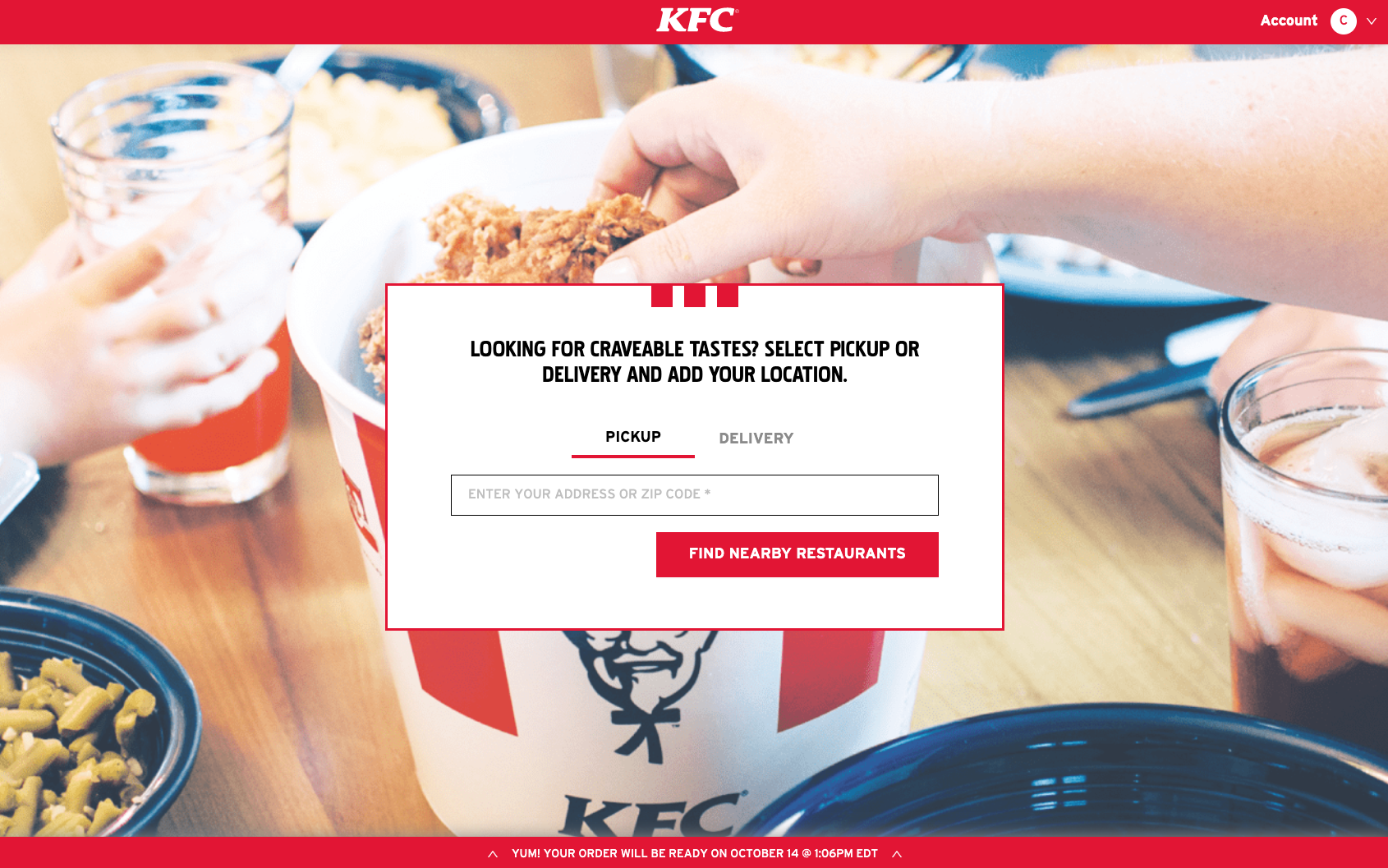
There are live updates for every order. To check the status of your order, tap the red banner at the bottom of your order confirmation screen to pull up delivery tracking. To make sure you can track your order until it arrives, we recommend not switching your browser or logging out.
Mobile Browser
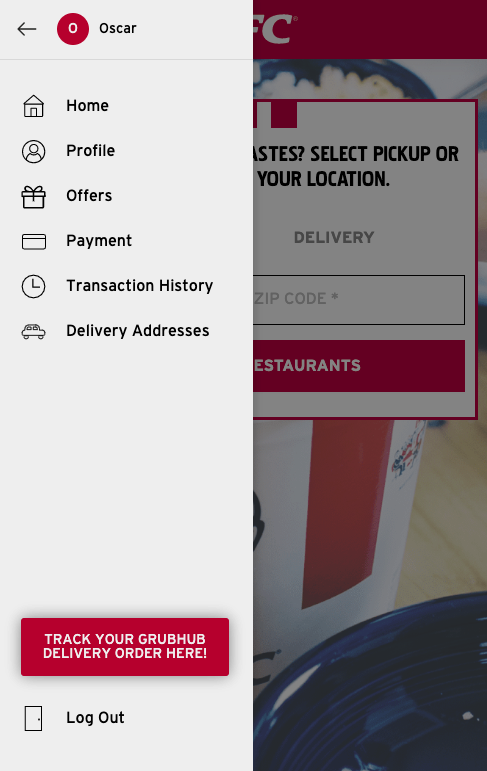
To check the status of your order, tap the settings menu in the top left of your screen. At the bottom of your settings, select the option to "TRACK YOUR GRUBHUB DELIVERY ORDER HERE!”
To make sure you can track your order until it arrives, we recommend not switching your browser or logging out.
Comments
Article is closed for comments.